CASE STUDY 03 · technical LEARNING · instrucional designers · FLEXIBLE
Building Storyline Preferences That Stick
Help instructional designers and eLearning developers give learners more control by deciding what should be adjustable.
Client
BrightPath Learning By Design – LXD studio [conceptual]
Role
Instructional designer · eLearning Developer
Deliverables
Technical eLearning tutorial · guided Storyline build walkthrough · job aids · custom GPT
Tools
Articulate Rise 360 · Mighty for Rise · Articulate Storyline 360 · Canva · OpenAI GPT Builder
01 – The problem
Not everything needs a toggle
Self-paced eLearning has to work for people engaging with content under different conditions. Extra guidance may help one learner. Reduced motion or fewer visual distractions may help another. Audio-on-demand can be useful in some courses and completely unnecessary in others.
The problem is deciding which of those adjustments deserve to become learner preferences in the first place.
Storyline makes it relatively easy to add another layer, variable or control. That doesn’t mean adding one improves the experience. Too many optional settings can create the very thing they are meant to reduce: clutter, cognitive load and extra decisions for the learner.
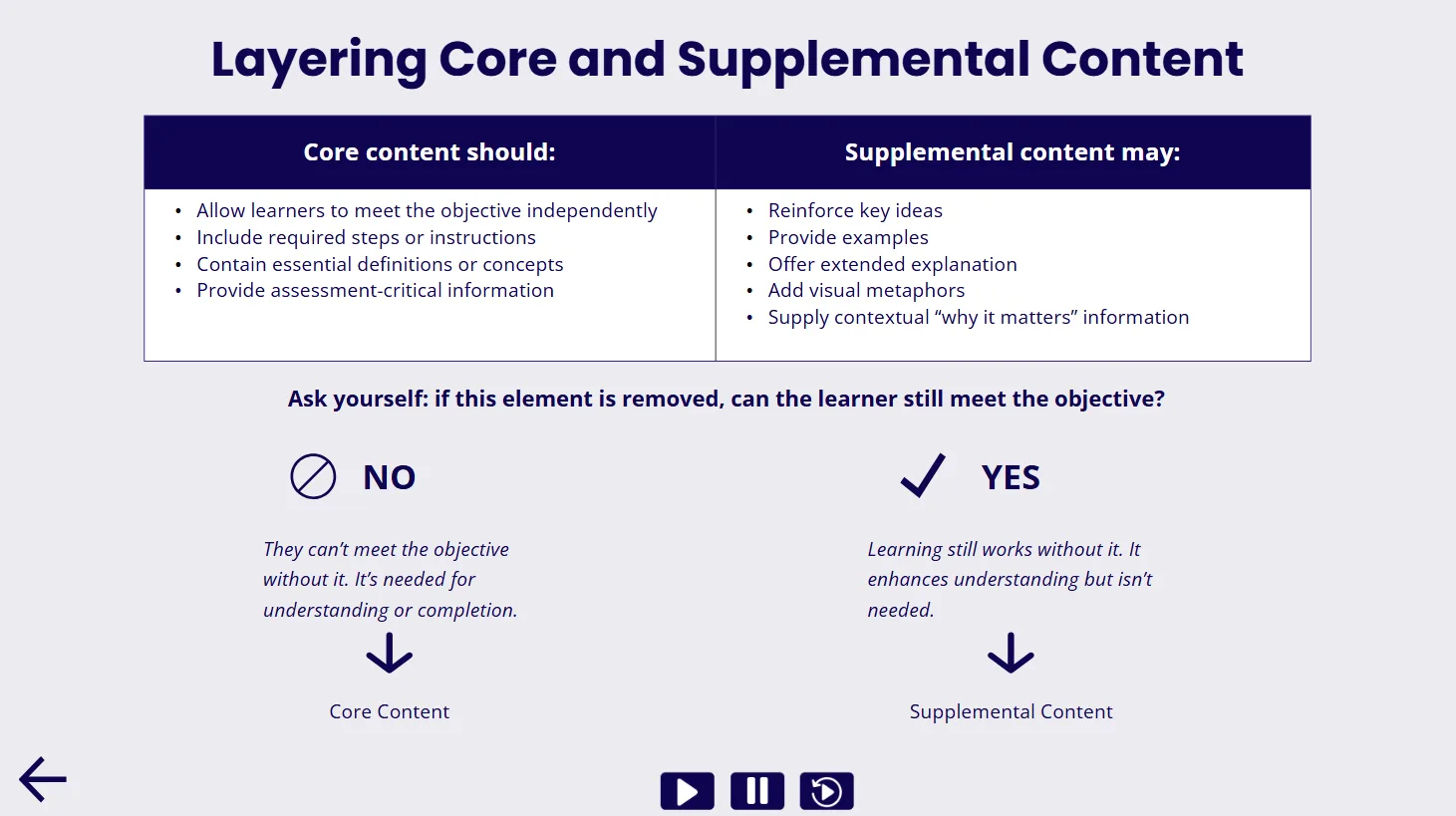
Designers therefore need to distinguish between three things: what should be part of the default experience, what is genuinely useful as an optional preference, and what is better left out.
They also need to preserve the things that shouldn’t be optional. Required meaning, navigation, readability and accessibility still need to work before a learner changes a single setting.
02 – The solution
A tutorial that starts before the build
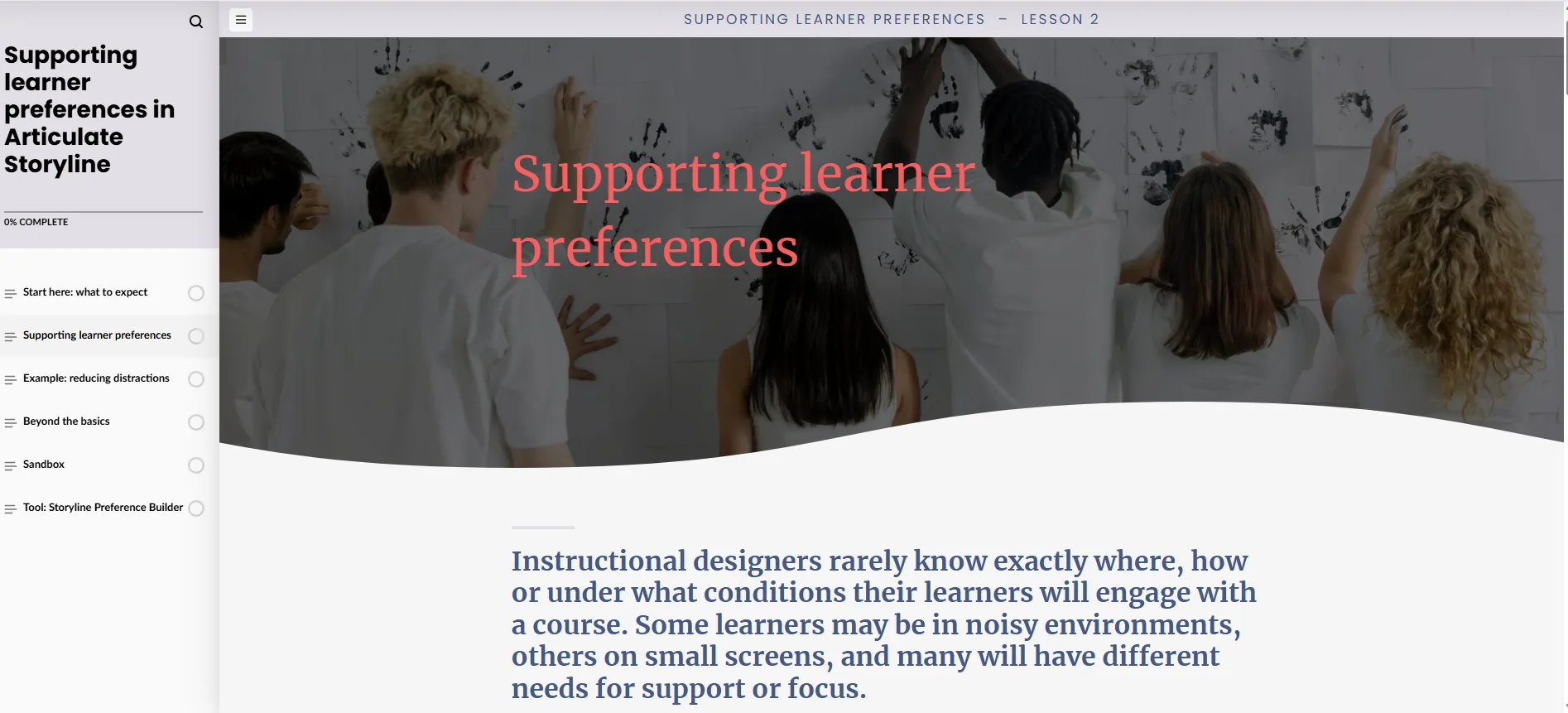
I designed a technical learning experience in Articulate Rise that teaches developers how to decide what should be adjustable, then build those preferences reliably in Storyline.
Rather than starting with variables, layers, states and triggers, the tutorial starts with the design decision:
what should stay in the default experience, what should become a learner preference, and what should be left out. From there, learners follow the pattern through to implementation →
Start ==>
Spot the learner need
identify the friction worth reducing
==>
classify the support
default, preference or omit
==>
protect the default
keep it complete and accessible
==>
build the preference
apply the add/remove pattern
Finish
keep the logic usable
make it easy to test and adapt
Annotated Storyline examples then break down the technical side of the build, while short explanations make the logic clear: what each component does, why it’s there and how the pieces work together.
I wanted experienced Storyline users to leave with a repeatable approach they can use to make the design call first, then build the preference cleanly – without forcing them through basic software training they already know.
03 – Process
From design decision to working system
01 · Map the decisions before touching Storyline
I used an Action Mapping-style approach to work backwards from the performance I actually wanted.
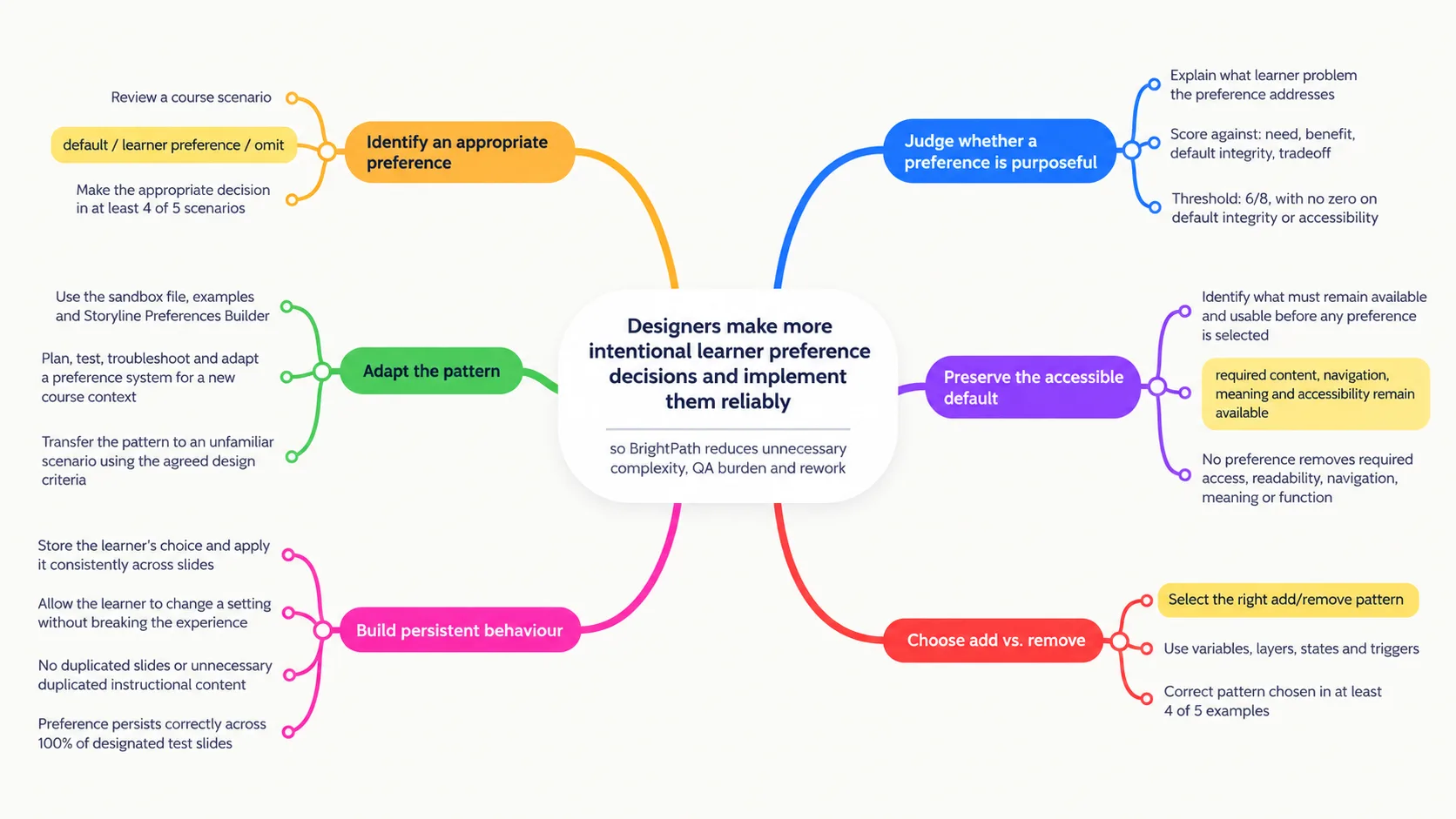
“Understand learner preferences” was too vague. The more useful behaviour was discrimination: given a course context, can the designer decide whether an adjustment belongs in the default experience, should be learner-controlled, or shouldn’t be added at all?
That gave me a much clearer chain from judgement to build. Designers first need to identify the learner need, judge whether the proposed preference would meaningfully help, check that the default experience remains sound, and weigh that benefit against the extra interface and development complexity.
I used four questions to frame that judgement: need, benefit, default integrity and trade-off.
That stopped the learning from becoming a catalogue of things Storyline can do. The point is knowing when not to do them.
02 · Start with the simplest complete experience
A learner preference should change the presentation of the experience, not repair a base course that was incomplete to begin with.
That became an important design rule throughout the tutorial. The default view still needs to carry the required content, meaning and navigation and meet accessibility requirements. Preferences can then add controlled flexibility around that foundation.
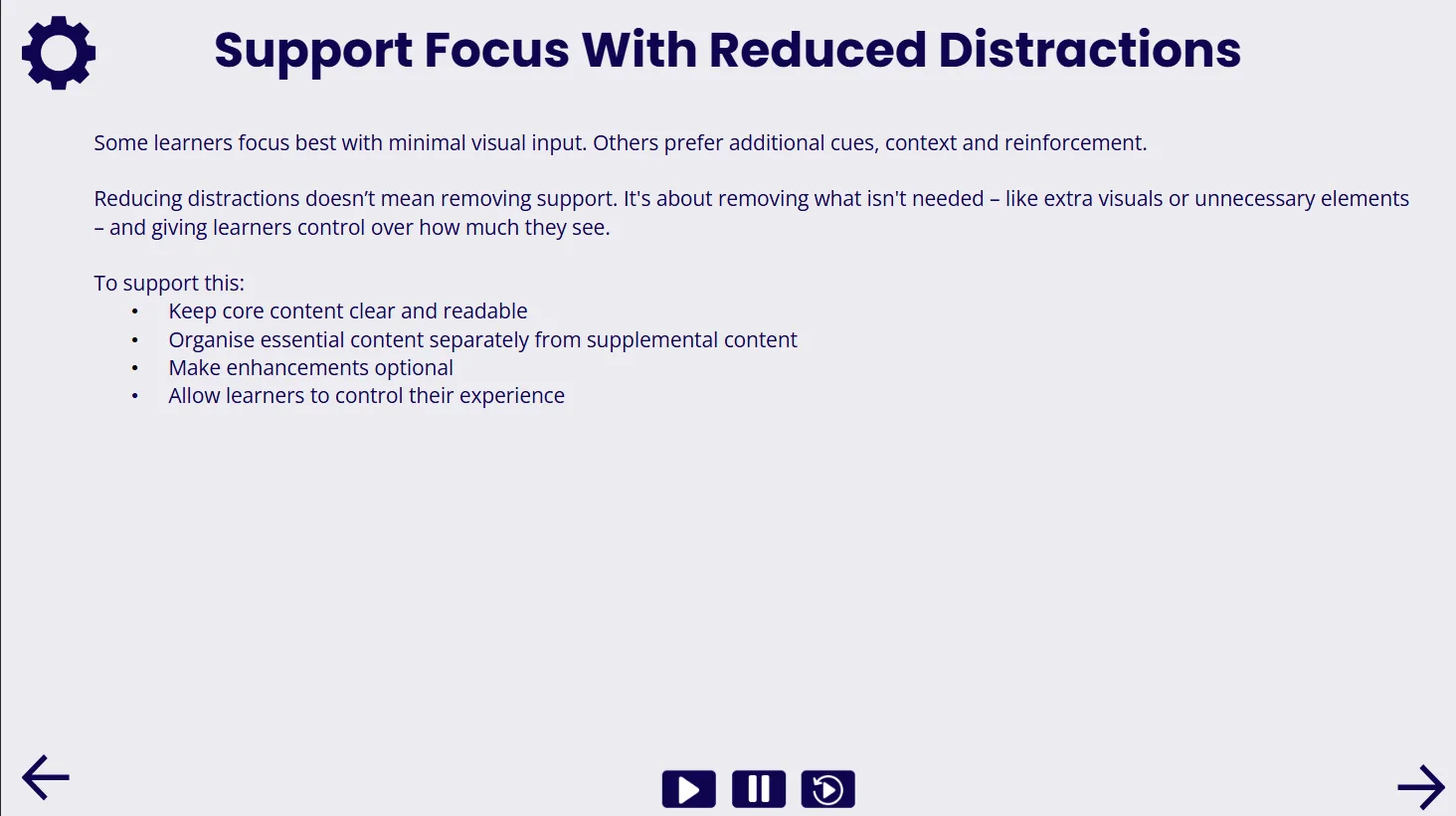
For example, extra guidance might sit on a layer and appear only when selected. Decorative motion might be removed for learners who prefer a quieter visual experience. Optional audio controls might be added without permanently taking up interface space.
This also helped clarify what learner preferences aren’t. They aren’t a substitute for accessible design, and they don’t change the learning objective or create a different instructional pathway.
The default does most of the work. Preferences earn their place around it.
03 · Make the logic visible
Once the design decision is sound, the technical side becomes much easier to teach.
Instead of running through Storyline features one at a time, I show how the pieces behave as a system: a variable stores the learner’s selection; layers or states hold the adjustable elements; conditional triggers apply that choice where it is needed.
The course uses visual models, comparisons and embedded Storyline examples so designers can understand the logic before getting into the mechanics.
I then use the add and remove patterns to show how the same basic architecture can support different preferences without duplicating slides or maintaining separate versions of the instructional content.
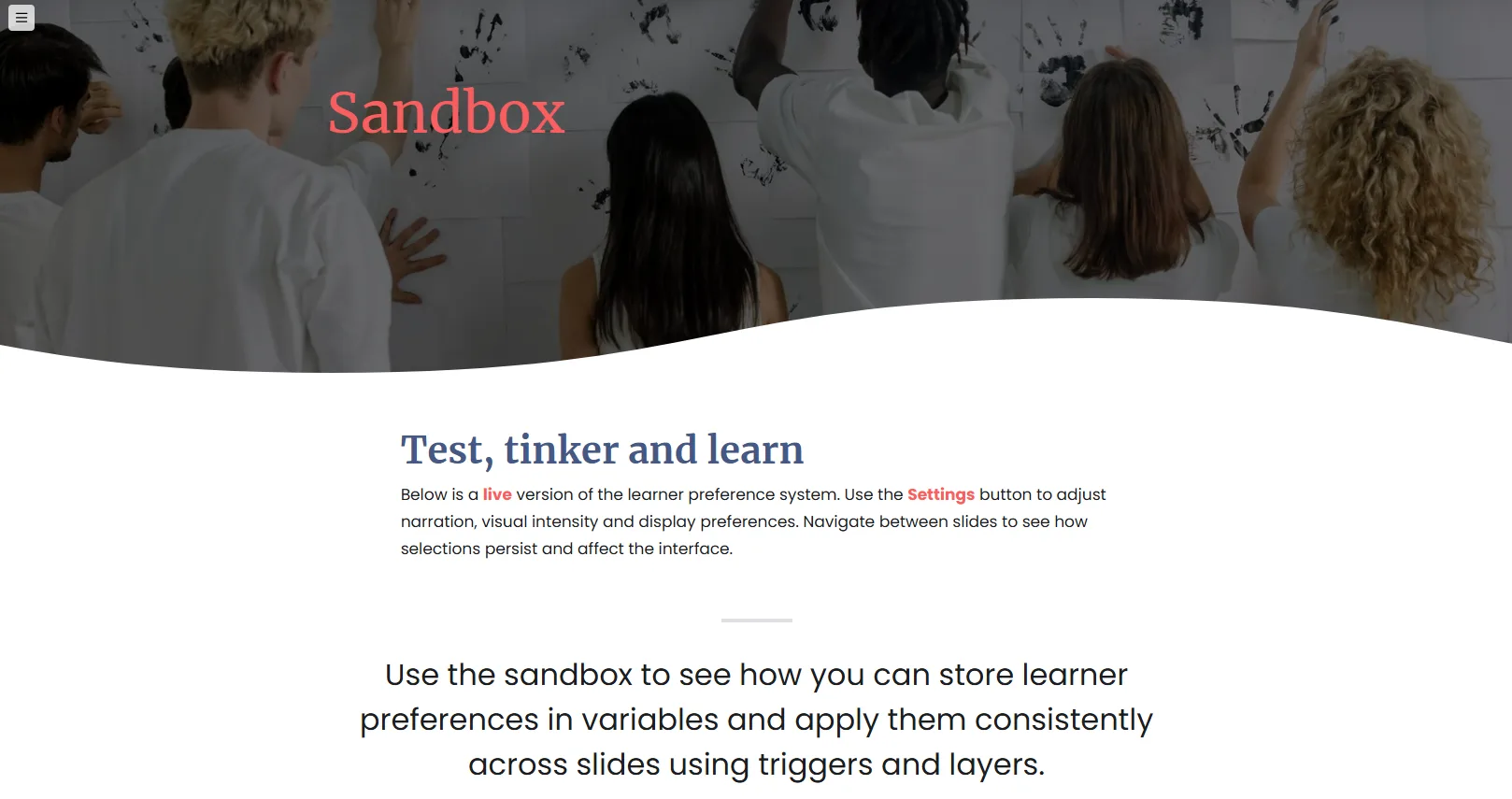
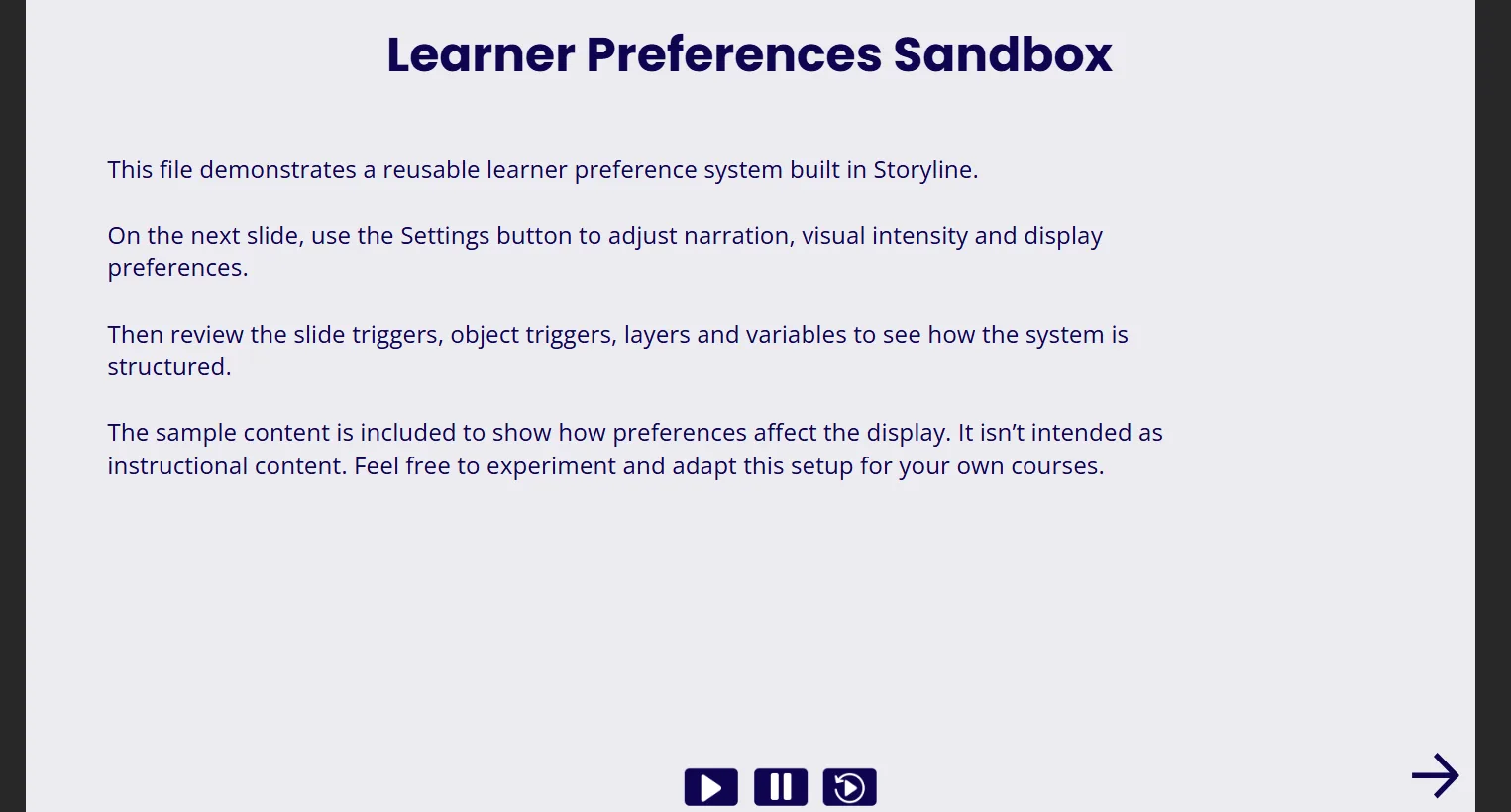
Learners can try the preference from the learner side, then open the sandbox file and inspect exactly how it was built.
That build-side view mattered. I wanted the interaction to feel less like “follow these clicks” and more like something a developer could pull apart, understand and adapt.
04 · Give developers something they can actually reuse
I didn’t want the useful part of the course to disappear once somebody reached the end of Rise.
The downloadable Storyline sandbox gives developers a working version of the pattern they can inspect, copy and adapt. The Preferences Builder provides a second kind of support: it helps them think through whether a proposed preference makes sense before they start building it.
That matters for BrightPath because files may pass between freelancers and internal developers. A preference that works but leaves behind opaque variables, duplicated content or tangled trigger logic is still going to create problems later.
So the examples also model clear naming, sensible defaults and a structure another developer can follow without reverse-engineering the whole interaction.
04 – Results
This is a conceptual project, and I haven’t collected structured learner or usage data, so I’m not presenting simulated outcomes as results.
Instead, I defined what I would measure in a pilot. Designers would complete short Storyline scenarios before and after the course, deciding what should stay in the default experience, become a learner preference, or be left out.
I’d score their rationale against four criteria: learner need, likely benefit, default integrity and trade-off. A passing decision would need at least 6/8, with no accessibility failure or incomplete default experience.
A separate practical task would test whether designers can choose the right add/remove pattern and make the learner’s selection persist reliably without breaking the base experience.
50%
Target participants meeting the decision-quality standard
4 of 5
Design scenarios correctly classified as default, preference or omit
100%
Required meaning, navigation and accessibility preserved in the default experience
100%
Selected preference persists across all designated test slides
The hardest part isn’t building the toggle
Storyline can make a lot of things adjustable. That's not the same as saying they should be.
The more interesting part of this project became the judgement that happens before the build: spotting a genuine source of friction, deciding whether learner control would actually help and being willing to leave an option out when the benefit isn’t there.
It also sharpened how I think about defaults. A good default experience shouldn’t depend on the learner knowing which settings to change before the course becomes usable. It should already work. Preferences add flexibility around that base; they don’t rescue it.
Then, if a preference does earn its place, the technical structure matters. The choice needs to persist, respond cleanly when the learner changes it and avoid multiplying content or making the next developer’s job harder.
That combination – restraint first, reliable build second – is the part I’d carry into another project.
Does this preference solve a real learner problem – or just add another control?
Sandbox walkthrough
Want a result like this?